
Updated · Sources & corrections
In this guide
This guide is for developers deciding how to adapt an existing language model. It separates weight arithmetic from total training memory, supplies an offline calculation you can check, and gives a comparison worksheet. It is not a training benchmark or an installation tutorial.
What changes between LoRA and QLoRA?
The original LoRA paper describes freezing pretrained weights and learning low-rank update matrices. For a dense matrix with input dimension d_in and output dimension d_out, a conventional rank-r update uses r × (d_in + d_out) adapter parameters. This count describes that update, not every trainable component in an arbitrary implementation.
The QLoRA paper combines low-rank adapters with a frozen 4-bit base. Its method includes NF4, double quantization and paged optimizers. Published results belong to the paper’s experiments; they are not evidence that your checkpoint, dataset and hardware will reproduce the same outcome.
| Question | LoRA comparison arm | QLoRA comparison arm |
|---|---|---|
| What learns? | Configured adapter weights; check any additional trainable modules | Configured adapters around a quantized frozen base; inspect actual trainable parameters |
| What must you record? | Base precision, rank, targets and training settings | The same settings plus quantization scheme, compute dtype and backend |
| What decides the result? | Measured fit, throughput and held-out task quality | The same measurements; lower weight storage is not a universal speed or quality verdict |
Calculate weights without pretending to predict training VRAM
A hypothetical seven-billion-parameter array at 16 bits per parameter occupies about 13.04 GiB when tightly packed. At four bits it occupies about 3.26 GiB. These are arithmetic baselines. Quantization metadata, unquantized components, adapters, gradients, optimizer state, activations and runtime allocations are not included. Do not read the second number as a claim that a 7B training job fits a 4 GB GPU.
The following Python 3 program needs no model, network access or third-party packages. Save it as weight_arithmetic.py and run python weight_arithmetic.py. On Windows, py weight_arithmetic.py is another option when the Python launcher is installed.
def packed_gib(parameters, bits):
    if parameters < 0 or bits <= 0:
        raise ValueError("Use non-negative parameters and positive bits")
    return parameters * bits / 8 / 2**30


def lora_parameters(d_in, d_out, rank):
    if min(d_in, d_out, rank) <= 0:
        raise ValueError("Dimensions and rank must be positive")
    return rank * (d_in + d_out)


assert packed_gib(2**30, 8) == 1
assert packed_gib(7_000_000_000, 16) == 4 * packed_gib(7_000_000_000, 4)
assert lora_parameters(4096, 4096, 8) == 65536
print(f"7B packed 16-bit weights: {packed_gib(7_000_000_000, 16):.2f} GiB")
print(f"7B packed 4-bit weights: {packed_gib(7_000_000_000, 4):.2f} GiB")
print(f"One 4096x4096 rank-8 adapter: {lora_parameters(4096, 4096, 8):,} parameters")
print("Weight arithmetic only; not total training memory or a GPU benchmark.")
Recorded arithmetic output: AI Models News ran this exact script locally on 30 October 2026. The assertions passed. No model was loaded and no GPU training occurred.
7B packed 16-bit weights: 13.04 GiB
7B packed 4-bit weights: 3.26 GiB
One 4096x4096 rank-8 adapter: 65,536 parameters
Weight arithmetic only; not total training memory or a GPU benchmark.
For the single 4096-by-4096 matrix, the dense weight count is 16,777,216; the rank-8 update adds 65,536 parameters. Actual adapter totals depend on how many matrices you target. Increasing rank or covering additional layers changes the comparison, so record both instead of comparing method names alone.
Storage precision and compute dtype are different settings
The Transformers bitsandbytes guide distinguishes four-bit loading, the NF4 quantization type and the compute dtype. Four-bit storage does not mean every operation or trainable tensor uses four-bit arithmetic. Verify your accelerator and software support before selecting a compute dtype; a configuration copied from another machine is not a compatibility test.
The PEFT quantization guide documents preparing a quantized model for training with prepare_model_for_kbit_training before attaching adapters. It also discusses target-module selection, including all-linear for QLoRA-style coverage. Follow the documentation for your installed versions and architecture; this page deliberately does not present an unrun training command as a tested recipe.
A comparison that can answer your actual question
Start with a fixed checkpoint revision and a small, representative dataset split. Keep the evaluation examples separate from training. Write down your acceptance criterion before comparing outputs, such as correct field extraction or passing a defined coding task.
| Hold constant where possible | Record explicitly | Why it matters |
|---|---|---|
| Checkpoint, tokenizer and prompt format | Repository revision and any conversion | A different base can explain a different result |
| Training examples and evaluation split | Dataset revision and preprocessing | Data changes can hide a method effect |
| Adapter rank and target modules | Trainable parameter count | Two adapter configurations may have different capacity |
| Sequence length and effective batch | Microbatch, accumulation, checkpointing and optimizer | A fit obtained by changing these settings is an end-to-end configuration result |
| Evaluation prompts and scoring | Failures, held-out score and repeated-run variation | A fluent example is not a reliable quality comparison |
Measure peak memory during representative training steps, not only immediately after loading. Record elapsed time over comparable work and the exact software versions. If you cannot keep settings constant, report what changed instead of attributing the whole difference to quantization.
Choose the next action from the bottleneck
- LoRA fits comfortably: retain it as a baseline and test whether QLoRA brings a useful capacity or cost benefit for your workload.
- The base does not fit: evaluate a supported quantized training path, but budget for the rest of the training state and activations.
- The model loads but training runs out of memory: inspect sequence length, microbatch and training allocations; successful loading did not establish training capacity.
- Quality falls: compare identical held-out examples and check preprocessing, adapter configuration and quantization settings before blaming one method.
Before distributing an adapter or converted model, review the exact base checkpoint’s terms using our open weights and open-source licensing guide. For a worked example of keeping model identity and memory assumptions separate, see our Qwen 2.5 Coder and Llama 3.1 comparison. More implementation guides are collected under developer tools.
Sources and verification scope
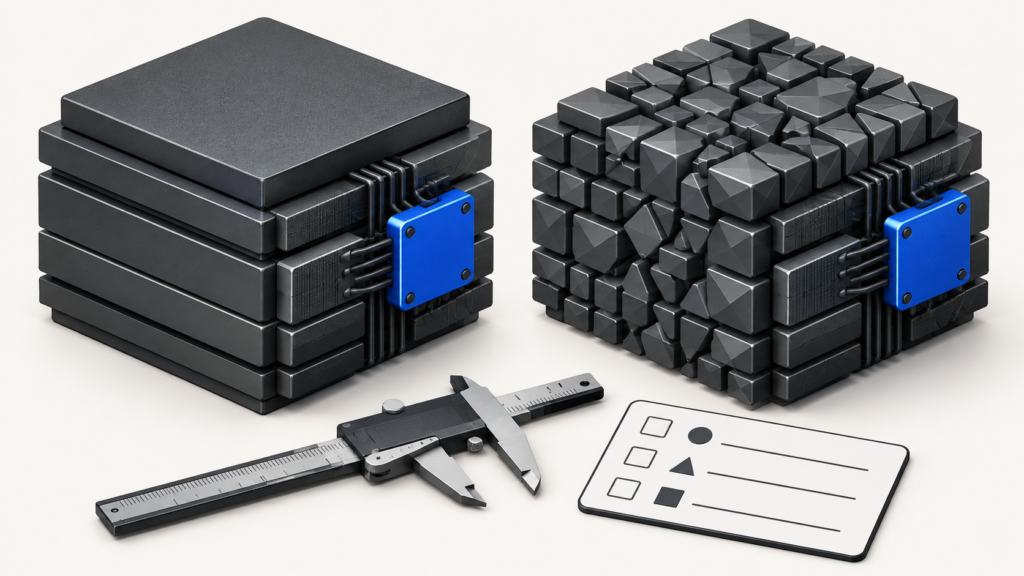
AI Models News checked the linked original papers and official documentation on 30 October 2026. Only the included offline arithmetic script was executed. No fine-tuning run, hardware benchmark, model-quality result or deployment success is claimed. The featured image is an original generated conceptual illustration. Read our editorial policy.